

CRM development for your business
A CRM that knows what to do with each customer next
Not a contact database and not a copy of a competitor’s setup. We build the CRM around your business model — customer lifecycle, processes and data — and teach it to guide a customer from the first inquiry to a repeat purchase. Custom-built or on Bitrix24 (CRM), connected to 1C (ERP/accounting), telephony, messengers and AI.
Why a CRM doesn’t make you money
Four mistakes clients most often come to us withAnother company has different economics and a different customer journey. A copied funnel doesn’t match how your customers actually buy.
The warehouse, delivery, service and accounting live on their own, while the CRM holds only contacts and deals. Decisions are made without it.
Modules and integrations are connected, yet managers still track customers in spreadsheets and messengers.
The customer sent an inquiry, got a reply and went quiet. That’s not a cold contact — it’s an unfinished process nobody saw through.
Every business has its own CRM DNA
We start every project here — before choosing a platformPurchase frequency, average order value, margin, customer lifetime value.
Choice → purchase → use → repeat purchase.
Range, seasonality, which products and services drive sales of others.
Sales, delivery, service, consultation, returns — where the customer gets lost.
What we know about the customer and how quickly we find out.
CRMs and portals we have built
See all projects
The CRM helps the company and its partners manage bankruptcy cases, collect client information and request legal support
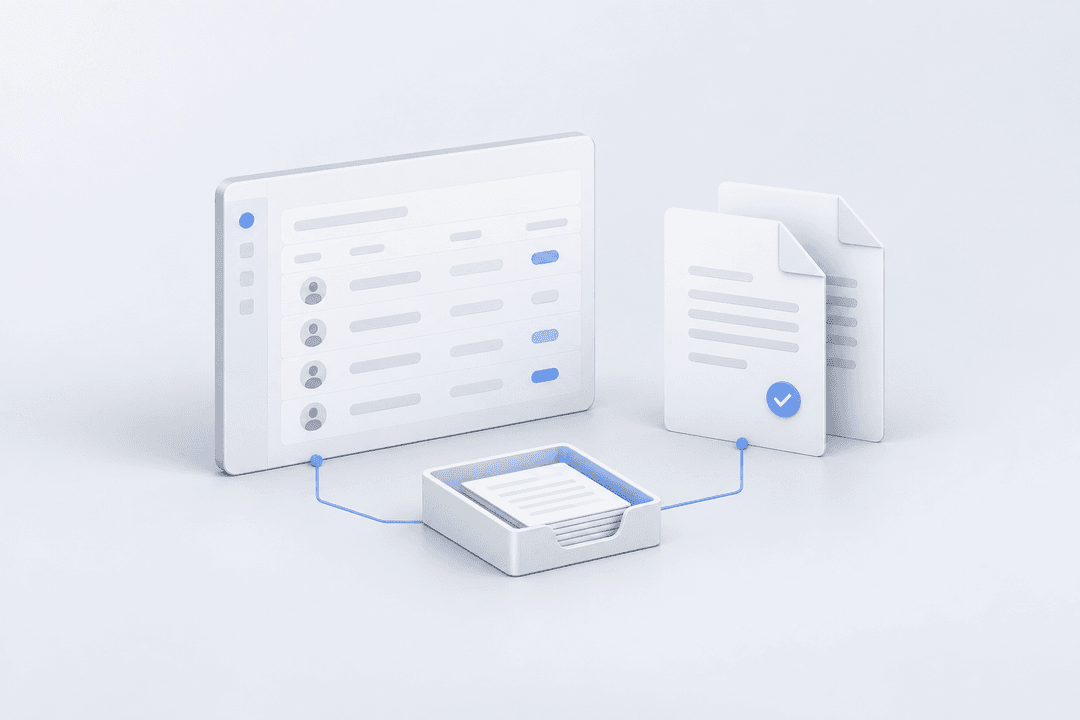
A platform for tracking contractors, contracts and documents, with e-document exchange via Kontur.Diadoc

Logistics specialists find and allocate freight railcars in a single interface, while managers keep track of fleet utilization and idle time

The portal lets corporate subscribers find security events for their countries on their own, and lets analysts publish materials and manage access
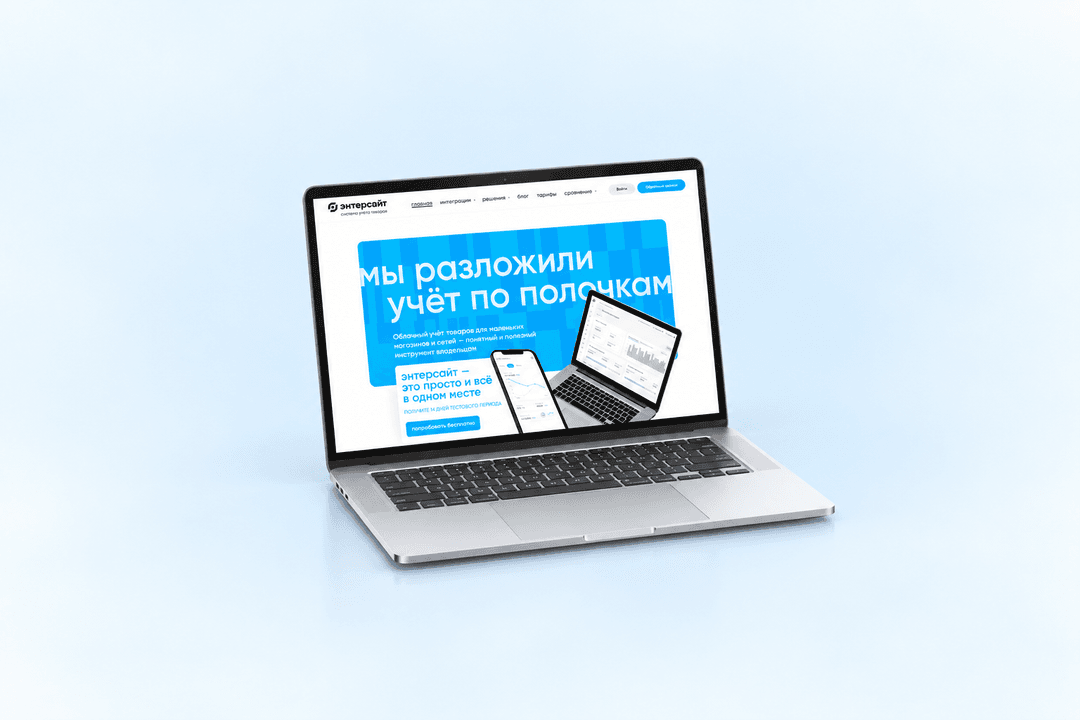
The Entersight website helps store owners explore cloud inventory management and start a free trial

We built online proposals with data from Bitrix24 and MoySklad, a connector for warehouse requests and an extension for order payments
Different businesses, different CRMs
A mature CRM isn’t the most high-tech one but the most useful one for a specific business model. We choose the focus based on how your customers buy.
The CRM guides the customer to a decision: curated selections, comparisons, and a way back to the choice if they stopped halfway.
The CRM knows the consumption cycle, sends reminders at the right time, suggests related products and keeps the customer in the habit of buying from you.
Takes the season and trip context into account, follows up on unfinished bookings and brings the customer back for the next trip.
One customer online and offline: loyalty card, bonuses, stock in the nearest store.
The CRM moves each case through its stages: documents, deadlines, owners, client and partner portals.
Brings sales, stock and profit across marketplaces into one view instead of manual reports.
Five levels of CRM maturity
There’s a database, and everyone gets the same message.
Different offers for different customers.
A business event triggers a response: a purchase, a pause, a status change.
The CRM knows where the customer is in their lifecycle and leads them to the next step.
The system itself works out what to do for the customer right now. The level you need depends on your business goals, not on the amount of technology.
Foundation first, then the upper floors
Know: who bought what, when and how much. Understand: segment, stage, activity. Act: on a purchase, a stalled process, repeat demand. Measure: revenue, retention, conversion and the uplift from scenarios.
AI assistants for managers, churn and repeat-purchase forecasts, next best action, personal offers in real time. We build this once the foundation works — otherwise the smart layer runs on incomplete data.
Six questions to see where you stand
If the answer to half of them is “no,” start with the foundation, not with new modules. We’ll go through the questions together at the first meeting.
Without this, scenarios end up being about channels, not about the customer.
Different records for one person mean different decisions about them.
Transactions and website activity are the basis for any scenario.
Rather than by a mailing calendar that doesn’t know the customer has already bought.
So that a customer doesn’t get five messages a day from different departments.
Email opens aren’t a result. Additional sales and retention are.
How we build a CRM
We break down the economics and the customer lifecycle: where the money is and where customers get lost.
We describe sales, delivery, service and returns as they actually happen.
We define what you need to know about the customer and where to get it: the ERP, the website, the app, telephony.
We decide what the CRM should do and when — from a reminder to a task for a manager.
We choose it for the task: Bitrix24, custom development or a combination of the two — not the other way around.
We measure the effect on revenue and retention and plan the next step.
What we do
A custom system for non-standard processes: deals, stages, documents, roles and permissions.
Funnels, automation rules and business processes for your sales model, data migration, training.
ERP, accounting and inventory systems, telephony, messengers, website and app — one customer across all systems.
For clients and partners: order or case status, documents, requests.
Lead qualification, call summaries in the customer record, tips for the manager.
Revenue, retention and the effect of scenarios in one place, without manual spreadsheets.
Frequently asked questions
If your processes are standard, setting up Bitrix24 is faster and cheaper. If they’re unique or need deep integration with your product, we build a custom system. Often the best option is a combination: Bitrix24 for sales and custom development for special processes. We decide after reviewing your business model.
What kind of CRM do you need?
Tell us how you sell and work with customers. At the first meeting we’ll go through your CRM DNA and suggest a first step.