


CRM for bankruptcy case support
The CRM helps the company and its partners manage bankruptcy cases, collect client information and request legal support

Project at a glance
The company provides personal bankruptcy support through a network of partners. The task was to develop its existing CRM and user dashboards: connect deals with Bitrix24 (CRM) and organize the collection of information about clients and their assets, document preparation and requests for legal support. Partners need support throughout a case, from preparing the petition to the end of the procedure. The end client’s dashboard had to feel like a continuation of the partner’s own service, with no mention of the company that helps the partner handle the bankruptcy.
- Creating and editing deals in the dashboard
- Sending deals to Bitrix24
- Field access settings for users and groups
- Accounts and creditors sections
- Connect deals in the dashboard with Bitrix24
- Organize the collection of information for bankruptcy support
- Set up user access to deal fields
Want the same for your business? Tell us about your task — we’ll propose a solution and estimate the timeline.
Deals and data access
A partner creates a deal in their dashboard and sends it to Bitrix24. To make this work, we mapped the fields and pipelines of the two systems. When a deal is edited, the form opens with the saved data, ready for changes.
We added sections for accounts and creditors. The case card brings together the client’s details, court information, family, income, assets and documents. A completion indicator and hints show what data still needs to be added.
An administrator sets field access for groups and individual users. Fields are grouped into tabs and blocks; users without permission don’t see them.


Documents from the case card
We developed a flow for preparing an inventory of assets, a list of creditors and a bankruptcy petition from the deal data. Document selection sits in a separate tab of the card.
For the templates, we described the rules for filling them in with client data. We took into account that a person may own several assets: each asset has its own details and value, and the number of rows in the document depends on what the person owns.

Support inside the dashboard
We embedded a Help Desk form in the partner dashboard. Partners can use it to request support with a case.
For communication, we designed one-on-one and group chats with attachments, replies to specific messages and a participant list. Quoting keeps the context of a question, and files stay right next to the discussion.

Working with deals on a phone
We prepared mobile interfaces for the deal list and the case card. The list shows stages and assignees and has search and a filter. In the card, the data is split into collapsible blocks so the long form doesn’t take up the whole screen.
For the large sections on court information, family and assets, we developed step-by-step data entry.


Technical details
Technical details
The project documentation specifies PHP and Laravel for the backend and Vue and Nuxt for the frontend. The Bitrix24 integration covers field and pipeline mapping, sending created deals and loading data.
For documents, we described filling DOCX templates with dynamic asset tables: the number of rows changes with the number of assets, and blocks for asset types the client doesn’t have are removed. For chats, we documented message exchange with Bitrix24 Collabs and event delivery via Laravel Reverb.
Target audience
- The company’s bankruptcy support partners
- Partner supervisors
- Lawyers
- Platform administrators
What’s inside
Creating and editing deals in the dashboard
Sending deals to Bitrix24
Field access settings for users and groups
Accounts and creditors sections
Case card with completion progress
Document preparation flows based on deal data
Embedded Help Desk form
One-on-one and group chat interfaces
Desktop and mobile interfaces
How it looks


Need a similar project?
Tell us about your task — we’ll estimate the scope, timeline and cost and propose a solution.
Other projects
See all projects
The portal lets corporate subscribers find security events for their countries on their own, and lets analysts publish materials and manage access
An AI assistant in Telegram answers customers in place of an operator and works out the order price itself — only complex questions go to a person
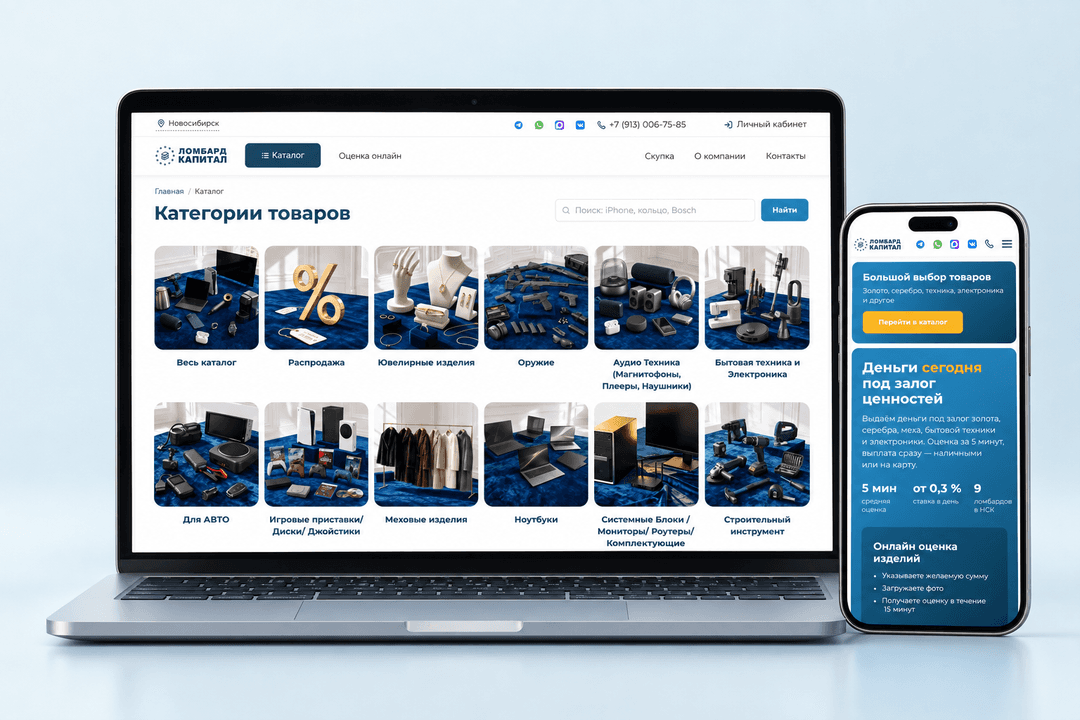
Website for a pawnshop chain in Novosibirsk with a product catalog, appraisal requests by photo and branch addresses