


App for buying electronics from suppliers
Client: Bazora
A mobile app for buying electronics, with an admin panel, product data imported from MoySklad and matching of items from supplier price lists
Project at a glance
Bazora organizes electronics purchases from direct suppliers for retail and wholesale buyers. Each order is handled by a personal manager, and purchases earn cashback points. The service needed a mobile app and an admin panel: buyers would choose devices and place orders, and staff would manage products and buyers.
- “Description”, “Specifications” and “Warranty” sections on electronics product pages
- Manual quantity entry in the catalog, product page, cart and order
- Checkout without a name or phone number
- Transfer of additional product fields from MoySklad to the admin panel and the app
- Let buyers choose electronics and place orders in the app
- Give staff tools to manage products, orders and buyers
- Connect the catalog to MoySklad data
Want the same for your business? Tell us about your task — we’ll propose a solution and estimate the timeline.
App and admin panel
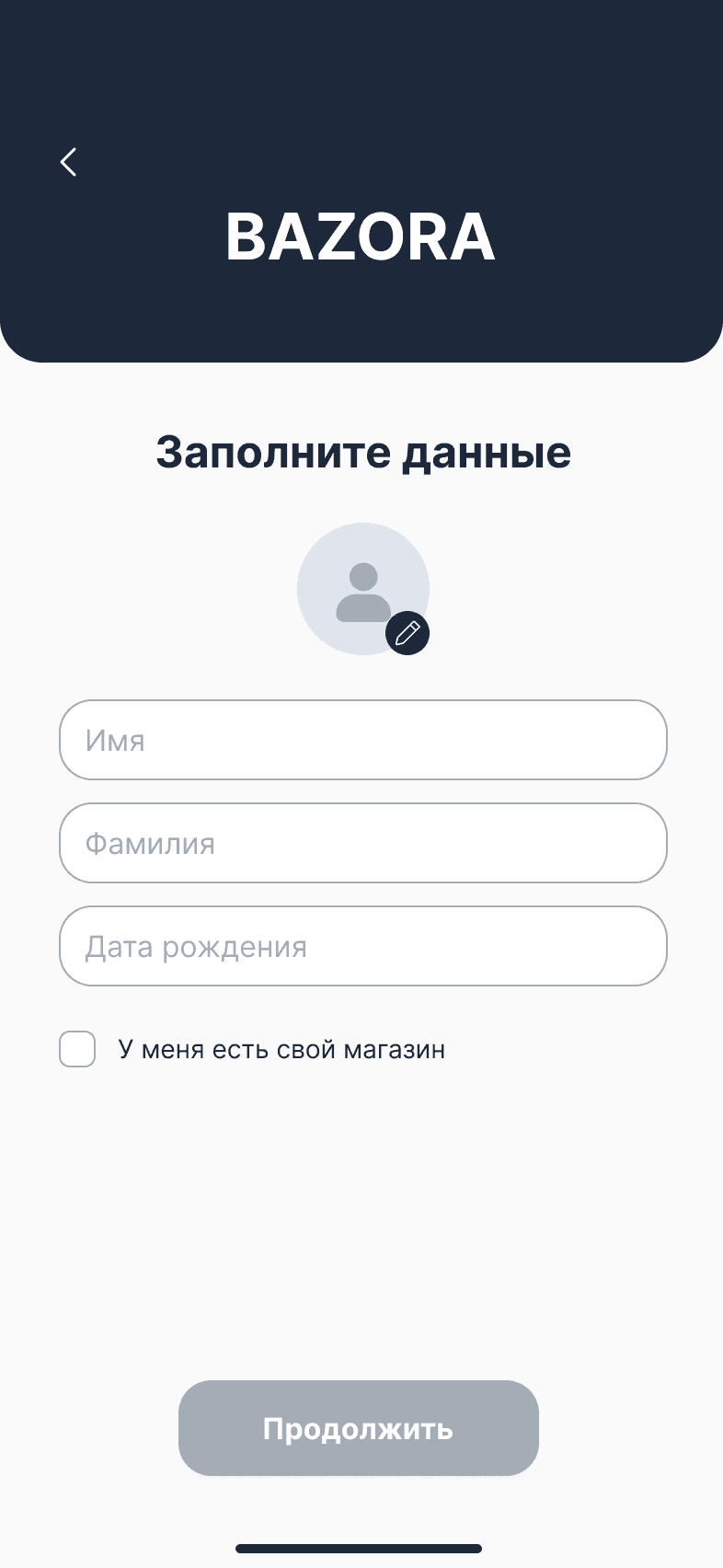
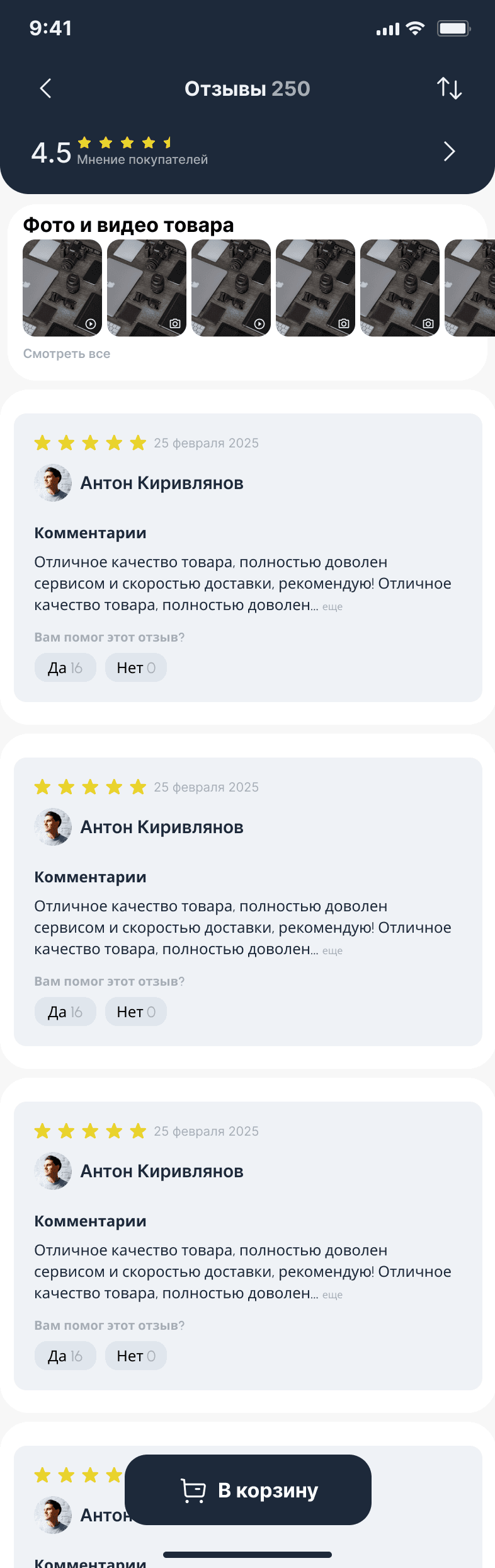
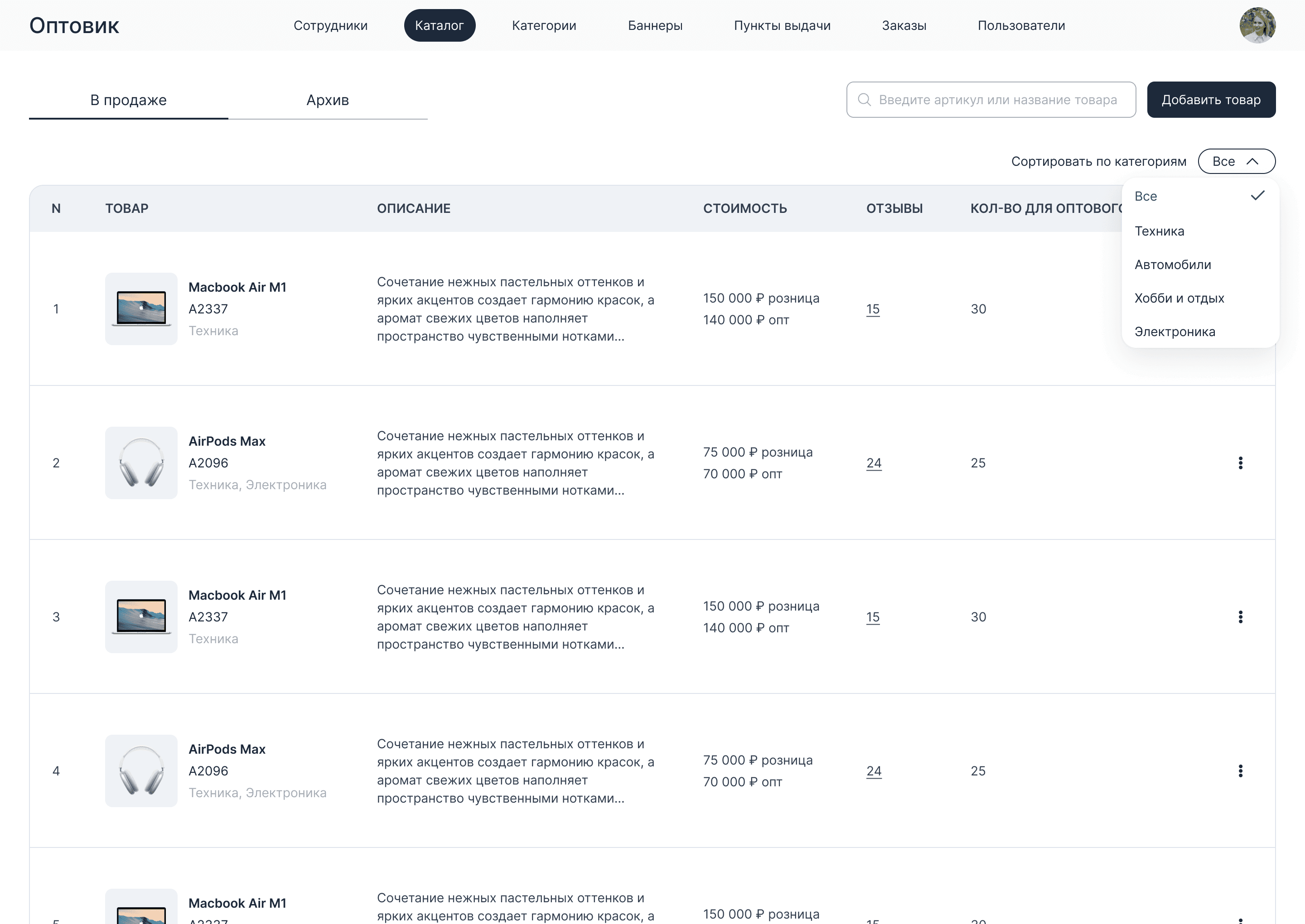
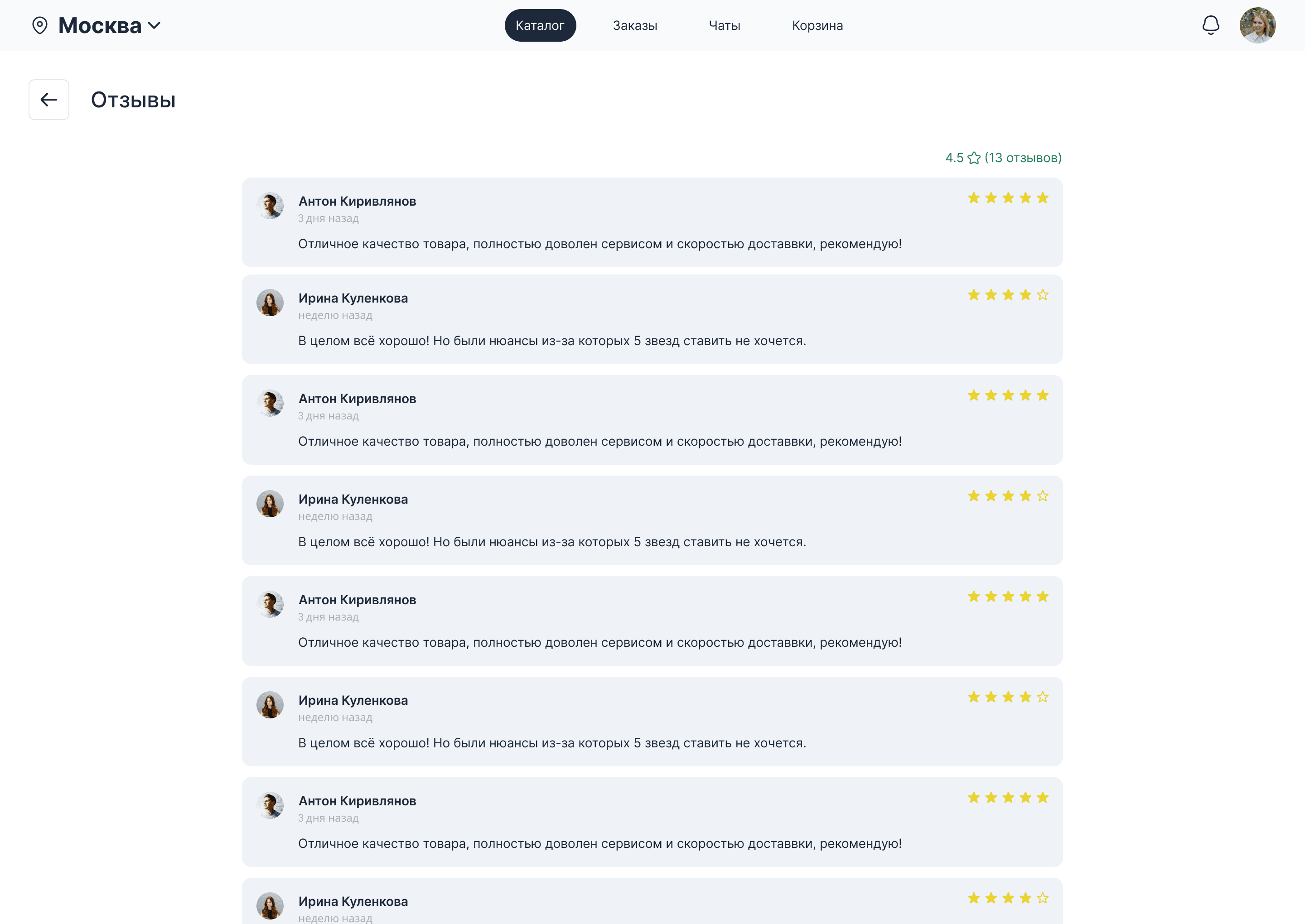
We chose Flutter for the mobile app and Python/Django for the admin panel. The product structure included a catalog with search and filters, a product page, a cart, a profile and order history. We adapted the product page to electronics: the description, specifications and warranty got their own sections, with matching fields in the admin panel.
Quantities can be typed in manually in the catalog, on the product page, in the cart and in the order. Checkout now lets buyers skip their name and phone number.
Designing the buyer flows
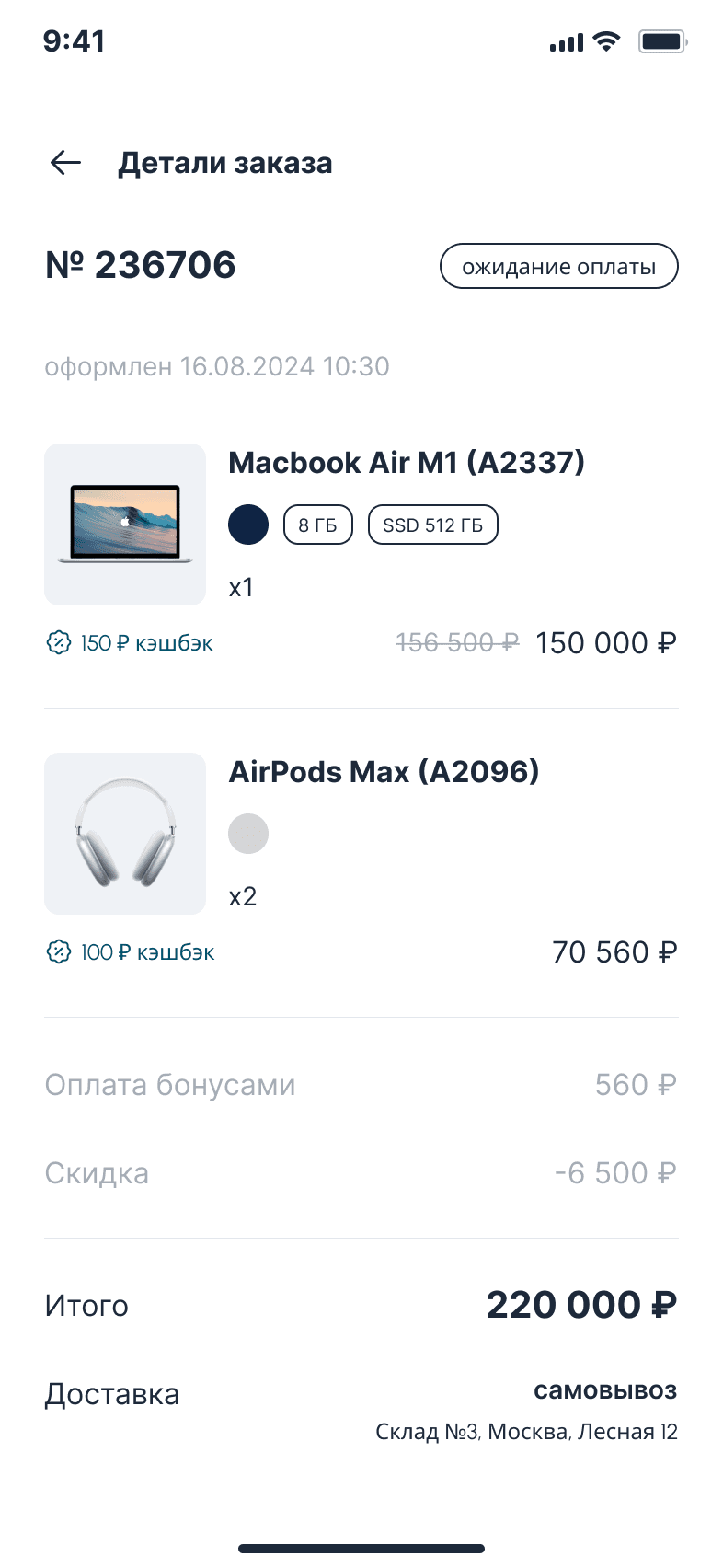
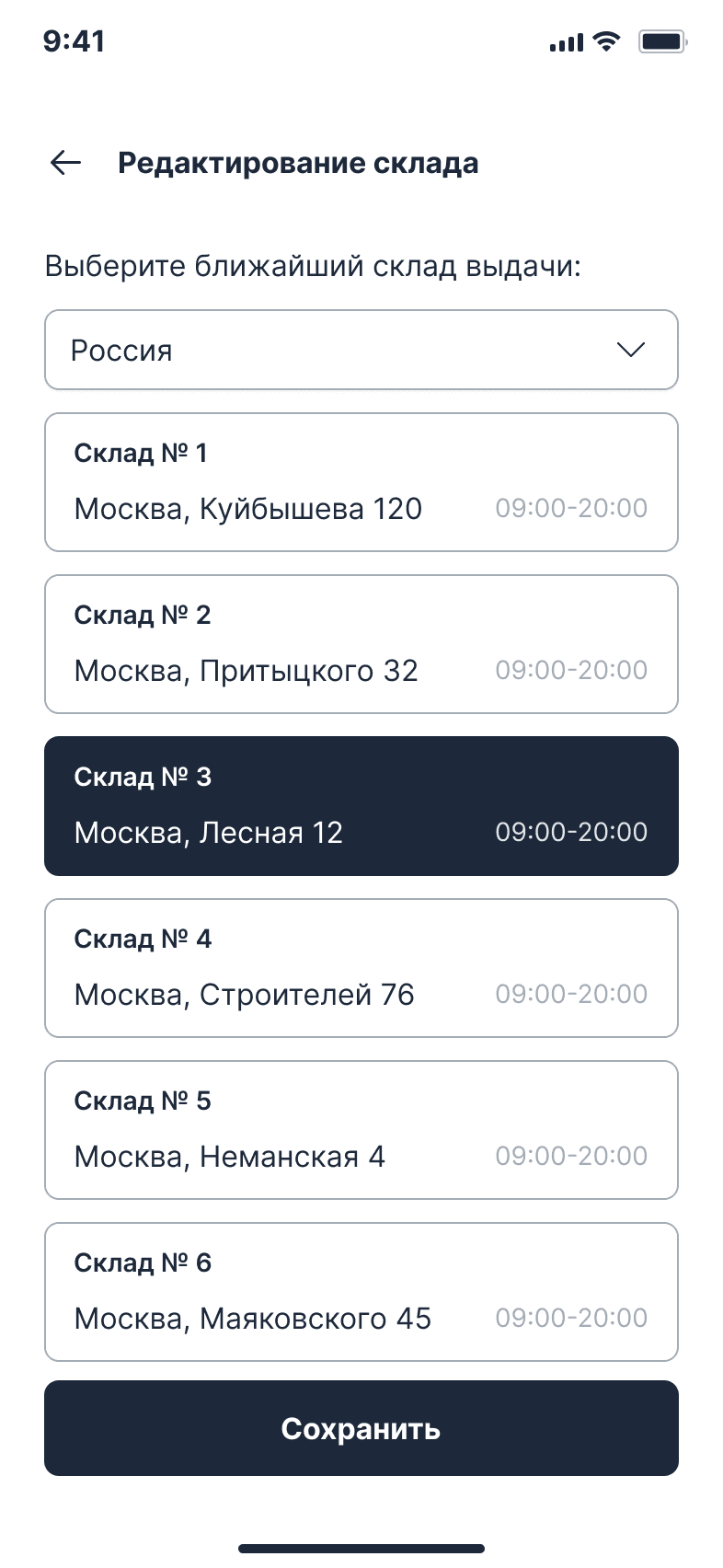
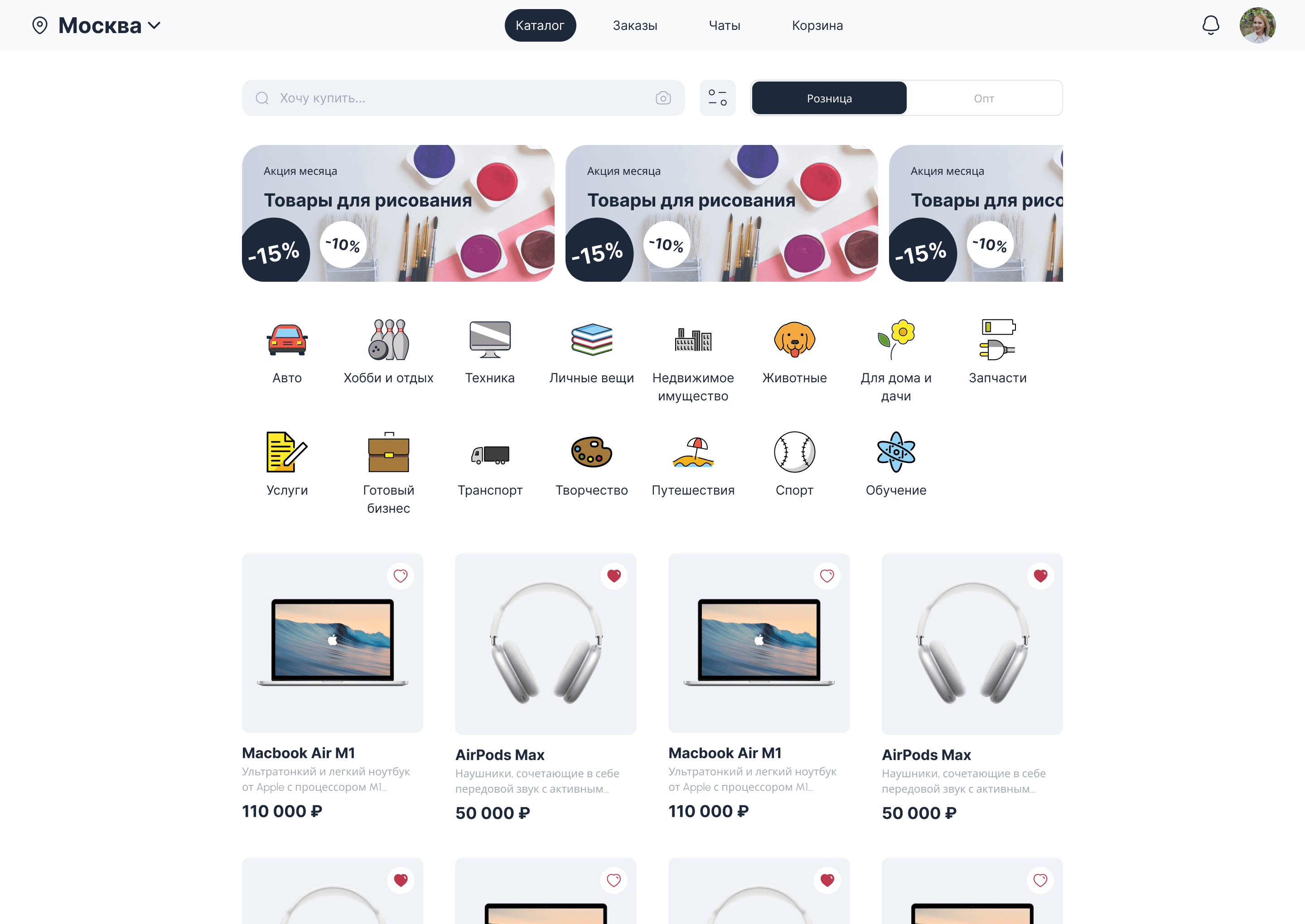
The mockups cover retail and wholesale purchasing, several stores per buyer and an administrator reviewing wholesale requests. The mobile order screen brings together the items, quantities, discount, cashback and the total. For pickup, the mockups show warehouses with their addresses and opening hours.
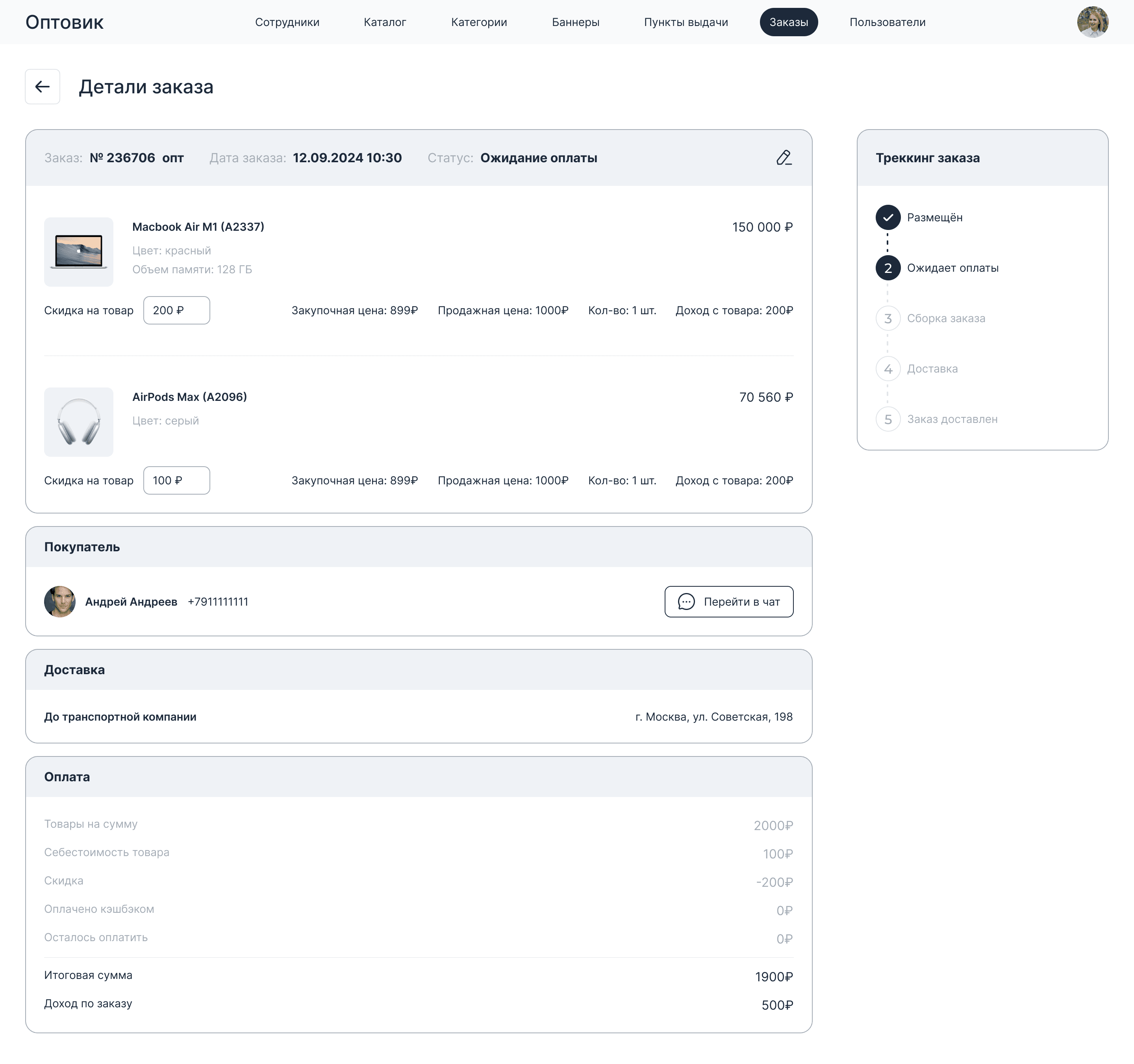
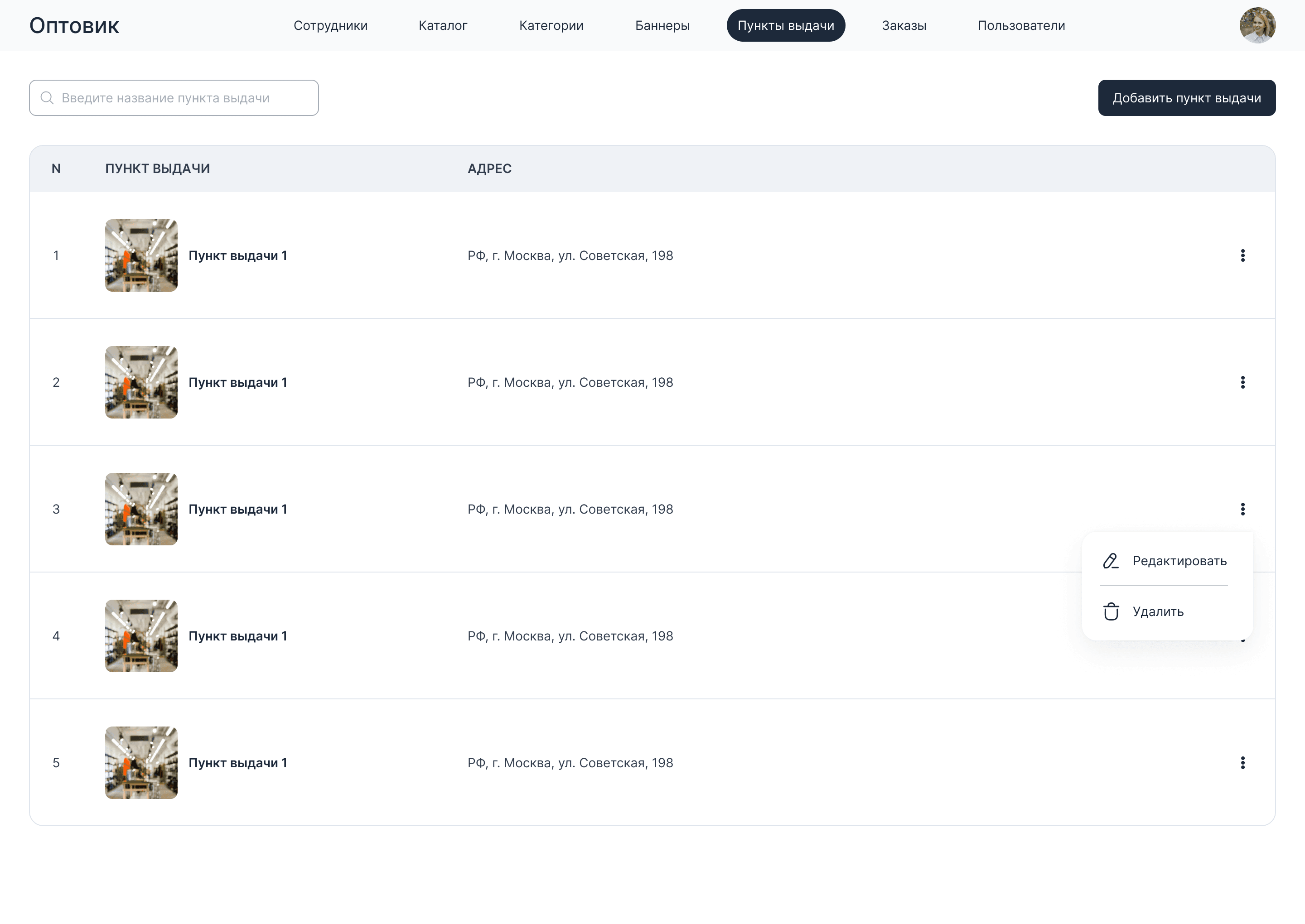
The admin mockup puts the order contents and the buyer, delivery and payment details on a single page. Next to them is the sequence of statuses, from placing the order to receiving it.
Product data and supplier price lists
We set up the transfer of additional product fields from MoySklad (inventory management) to the admin panel and the app. For processing price lists, we provided for Excel and text formats, matching items against the database and reconciliation in the admin panel. We refined the matching rules.
Result
Additional product information flows from MoySklad to the app and the admin panel. Supplier items are matched against the database using the refined rules, and buyers can place an order without giving a name or phone number. The Bazora website covers the terms of purchase, payment, delivery and cashback, lists the managers’ contacts and links to the app stores.
To discuss a similar procurement app, contact Quantum Dev.
Target audience
- Retail buyers of electronics
- Wholesale buyers and store owners
- Bazora staff who maintain the catalog and handle orders
What users need
Job to be done — from situation to outcome
I buy electronics for myself or for my store
Choose products, set quantities and place an order for pickup
In the order details, I see the items, the amount to pay, the status and the selected warehouse
What’s inside
“Description”, “Specifications” and “Warranty” sections on electronics product pages
Manual quantity entry in the catalog, product page, cart and order
Checkout without a name or phone number
Transfer of additional product fields from MoySklad to the admin panel and the app
Matching of supplier price list items against the database using refined rules
Retail and wholesale purchasing, buyer stores and review of wholesale requests in the mockups
Pickup warehouse selection with address and opening hours in the mobile mockup
Order contents, buyer, delivery, payment and fulfillment stages in the admin mockup
How we worked
Mockups of the mobile app and of the buyer and admin web interfaces
Adapting product pages to electronics
Improving quantity entry and checkout
Setting up the transfer of additional product fields from MoySklad
Refining the rules for matching supplier price lists against the database
How it looks
Need a similar project?
Tell us about your task — we’ll estimate the scope, timeline and cost and propose a solution.
Other projects
See all projects
We built online proposals with data from Bitrix24 and MoySklad, a connector for warehouse requests and an extension for order payments
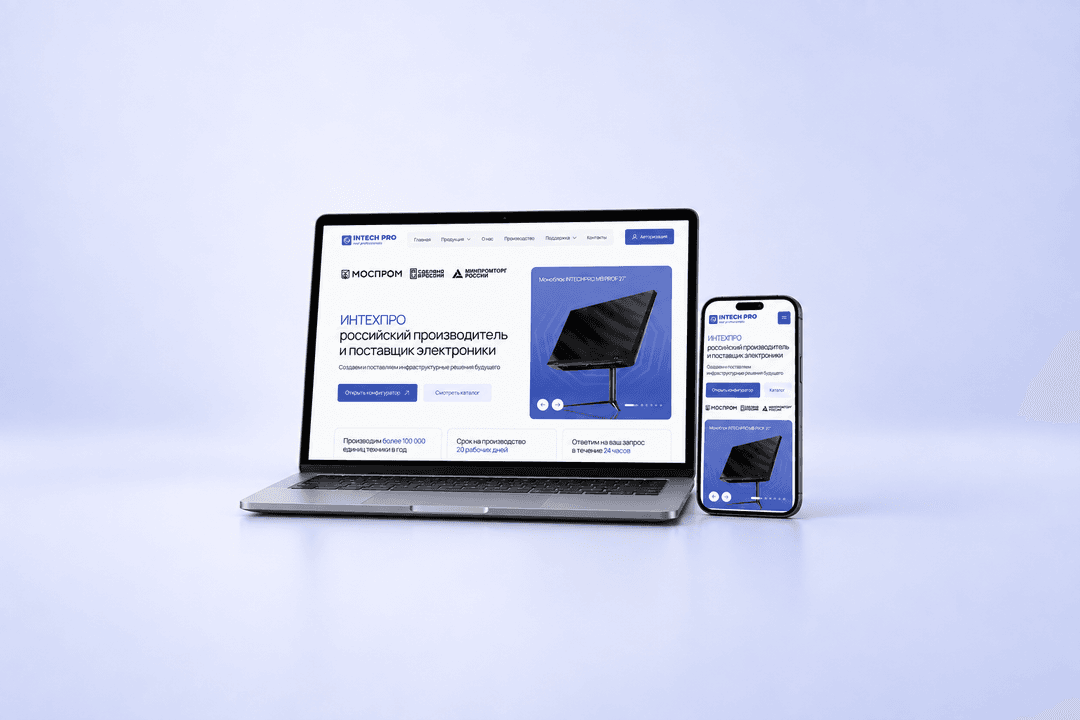
We created the UX/UI design for the website of electronics manufacturer Intechpro, built the HTML/CSS layout and added subcategories to the catalog
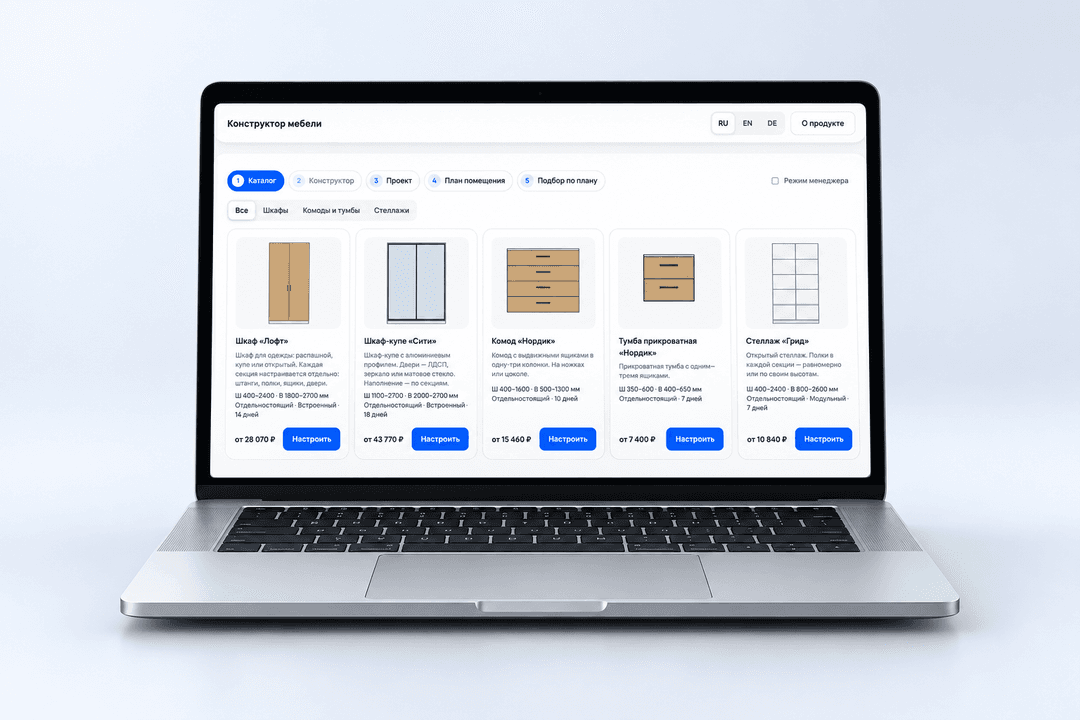
Furniture Configurator lets you customize pieces within the factory’s rules, see the price right away and check the layout in the room