


Online store for pet food and supplies
Client: Fiory
The Fiory online store presents the brand’s range and helps shoppers choose food and care products for their pet
Project at a glance
Fiory, a brand of food and supplies for small pets, needed an online store.
- Pet selection on the home page
- Filters by pet and product parameters
- Product sorting in the catalog
- Photo gallery and package weight selection
- Present the Fiory range in an online store
- Help shoppers choose products for their pet
Want the same for your business? Tell us about your task — we’ll propose a solution and estimate the timeline.
Shopping starts with the pet
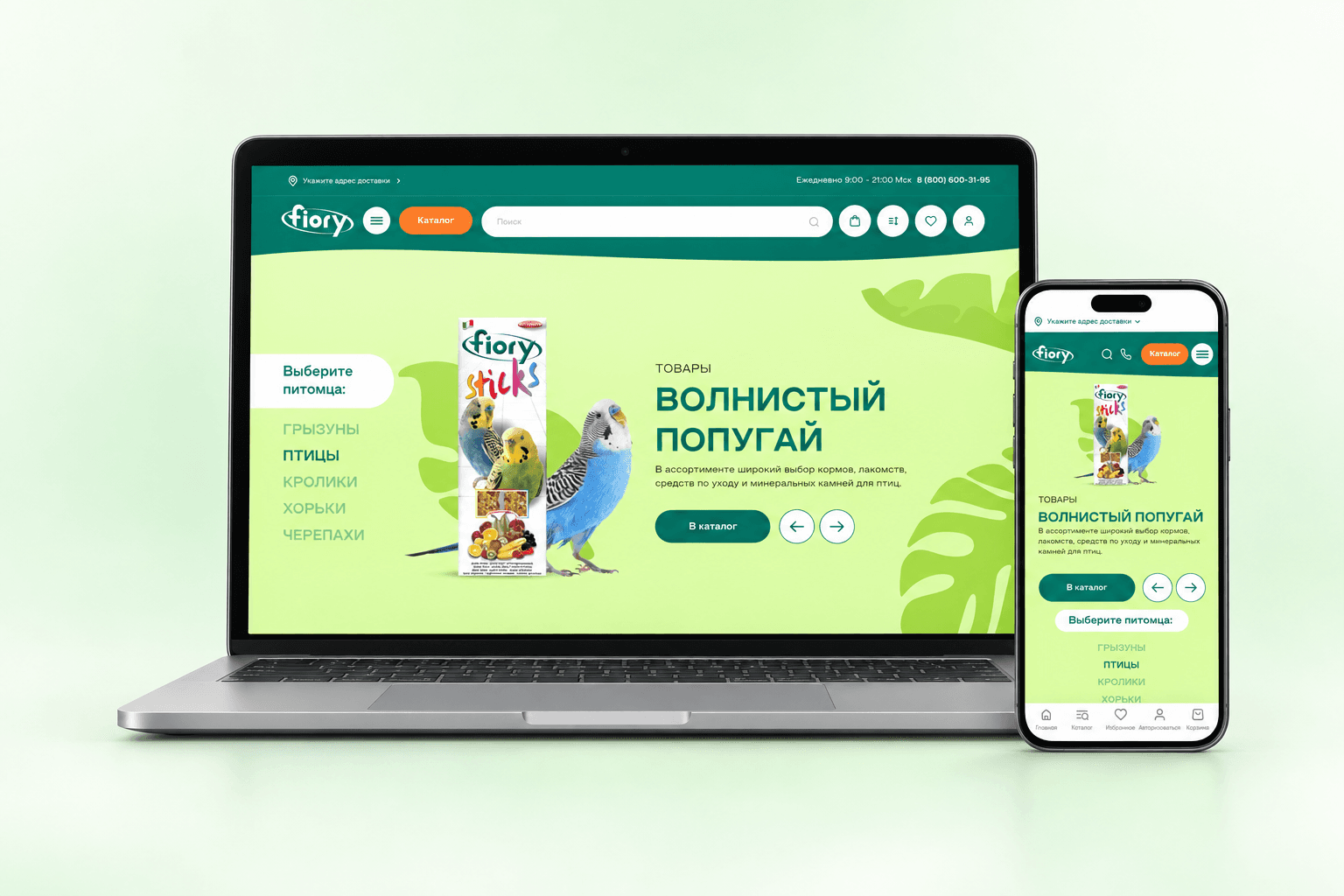
On the home page, shoppers choose who they are shopping for: a rodent, bird, rabbit, ferret or turtle. From there, they can go to the matching range — food, treats and care products.
The banner shows product packaging next to the pet. A green background and a large photo highlight the selected product group, and a button leads to the catalog.
A catalog with filters
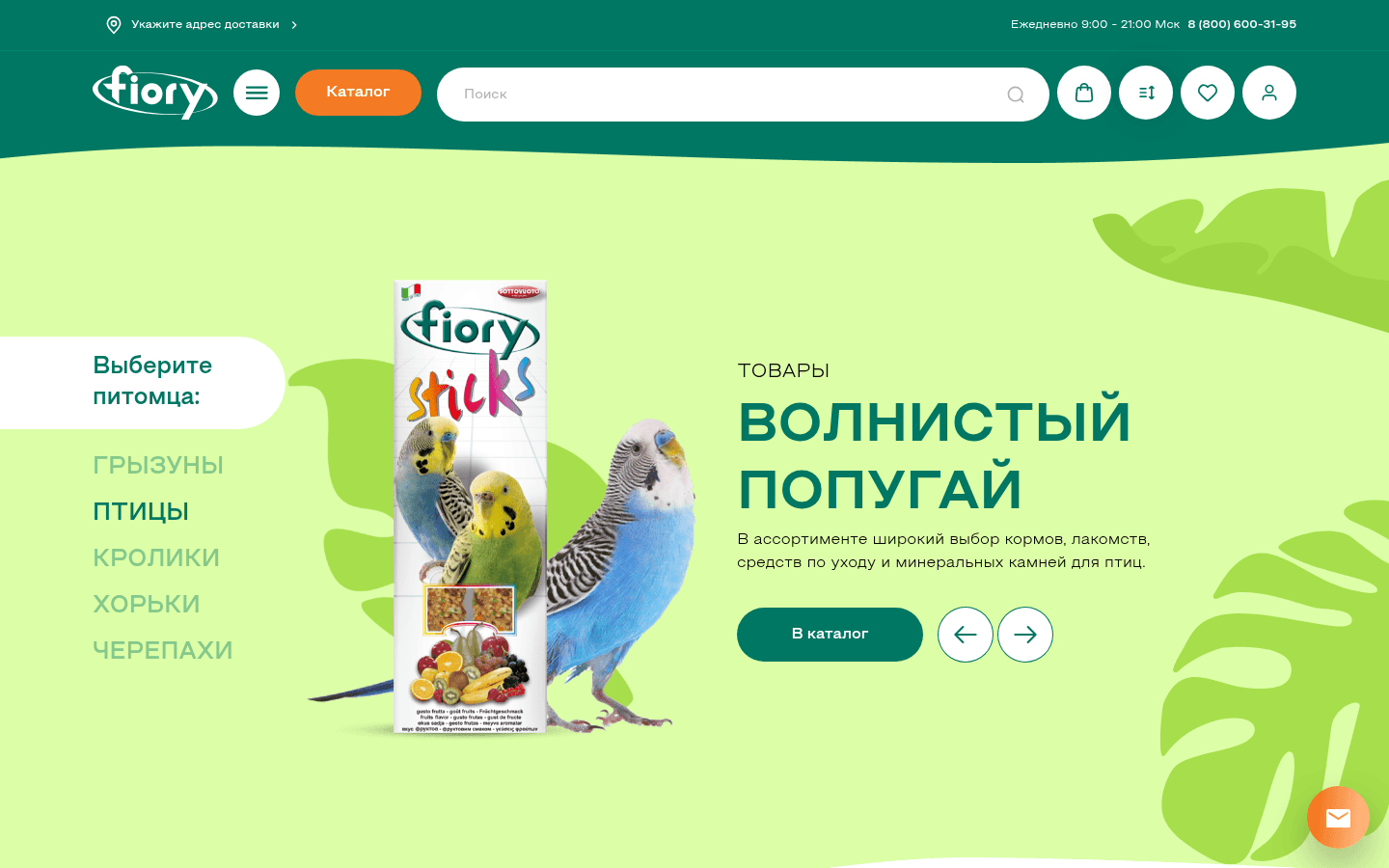
We added filters by availability, category, pet species and age, food type, price, weight and product line. Shoppers can narrow the range down to their pet and see the applied filters above the product list.
Catalog cards show the SKU, price, availability and an add-to-cart button. On a phone, products are laid out in two columns, and filters open from a separate button that shows how many are selected.

Package and price on the product page
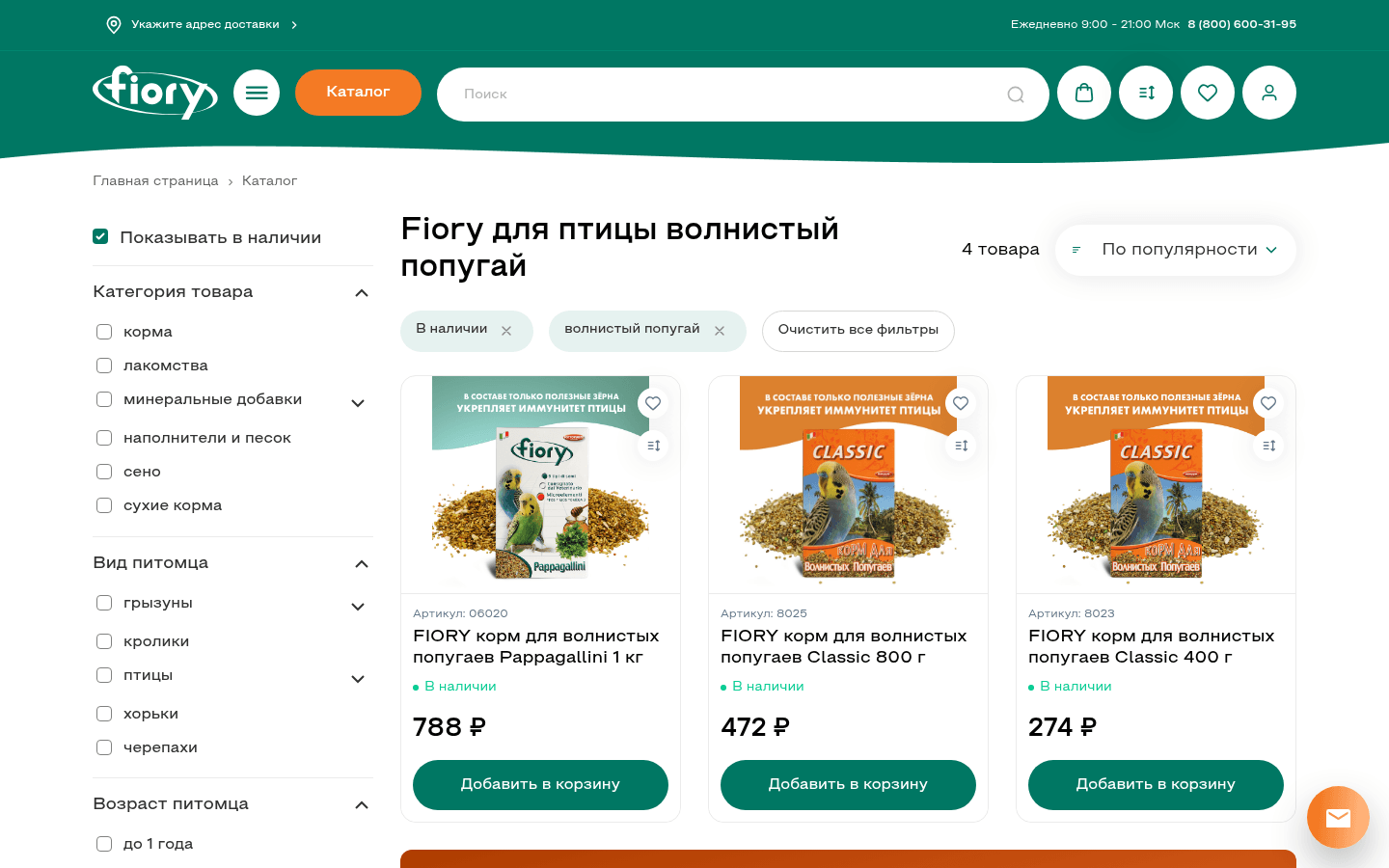
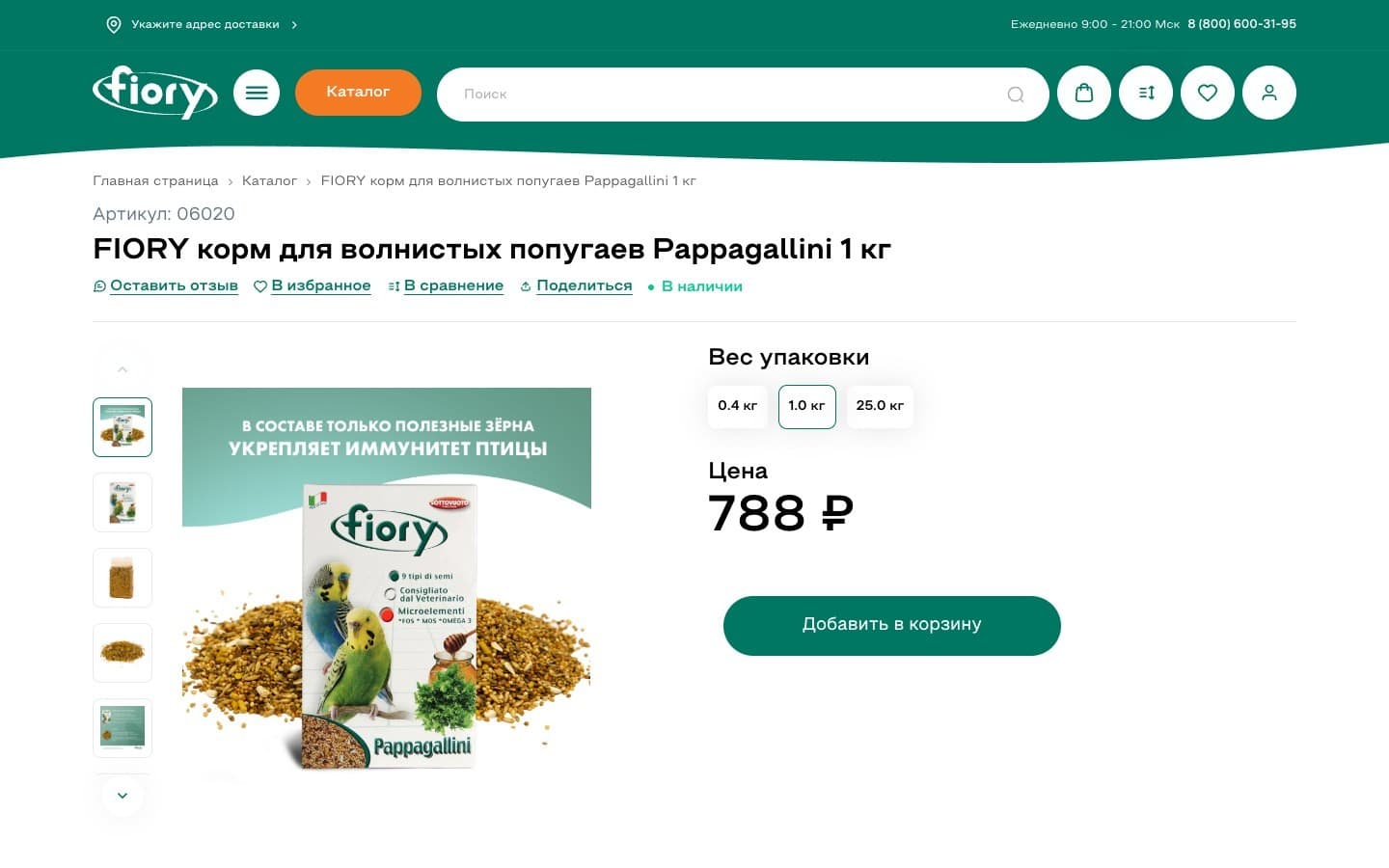
On the product page, shoppers look through the photos and choose the package weight. Next to them are the price and an add-to-cart button; favorites and compare actions are also available.
The product page is adapted for phones: photos can be viewed in a gallery, with the SKU, name and availability below. The bottom navigation bar gives access to the home page, catalog, favorites, sign-in and cart.

Contacting the distributor
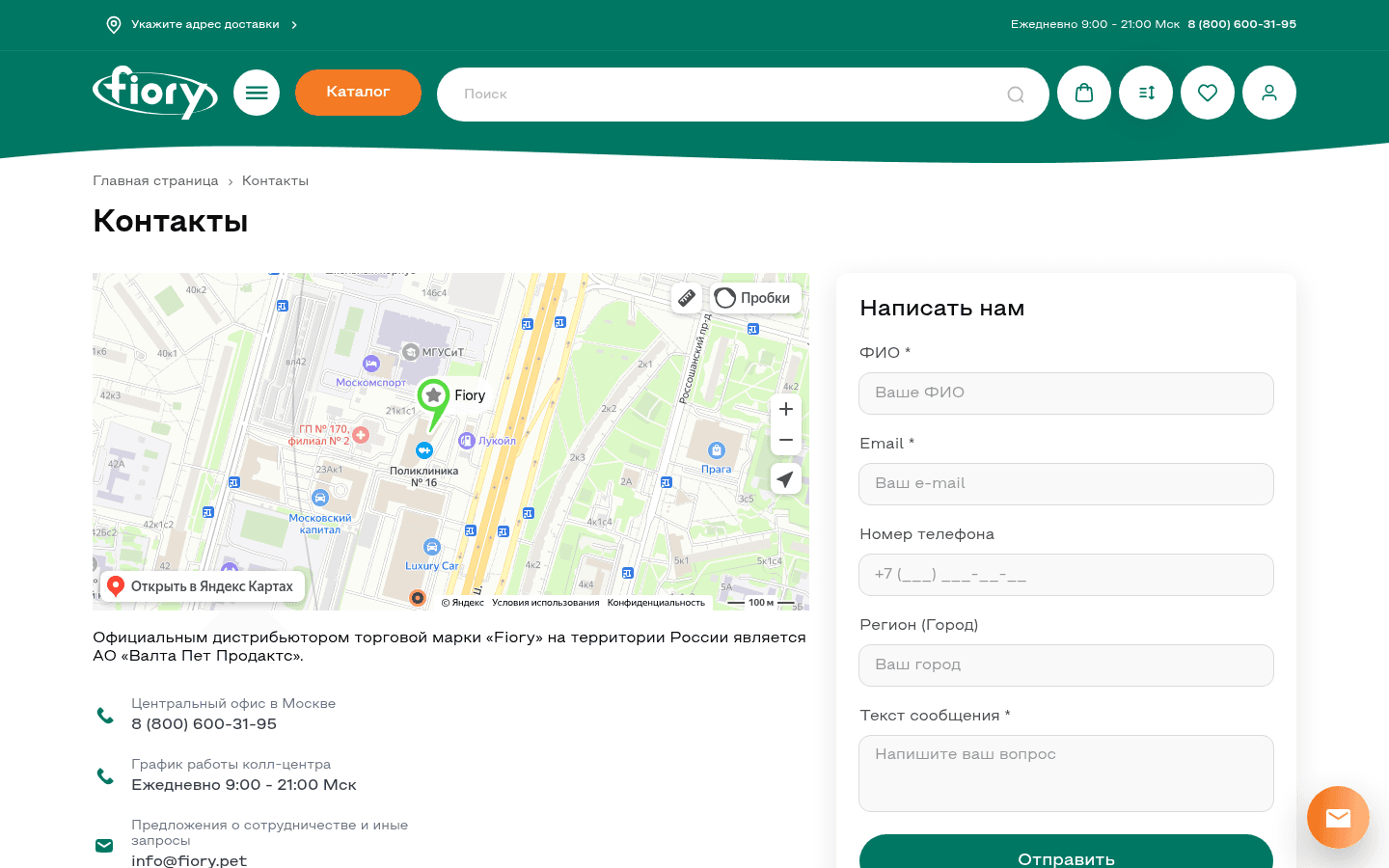
The contacts page has a map, details about the Russian distributor and ways to get in touch. Shoppers can find the office or send a question through the form.
The form has fields for name, email, phone, city and message. Required fields are marked: a request needs a name, an email and the question itself.
Target audience
- Owners of rodents, birds, rabbits, ferrets and turtles
What’s inside
Pet selection on the home page
Filters by pet and product parameters
Product sorting in the catalog
Photo gallery and package weight selection
Add to cart, favorites and compare actions
Mobile pages with a bottom navigation bar
Map, contacts and contact form
How it looks

Need a similar project?
Tell us about your task — we’ll estimate the scope, timeline and cost and propose a solution.
Other projects
See all projects
WildCRM helps sellers on Wildberries and Ozon (Russian marketplaces) make sense of the platforms’ reports and see their business’s financial picture: sales, profit and cost of goods
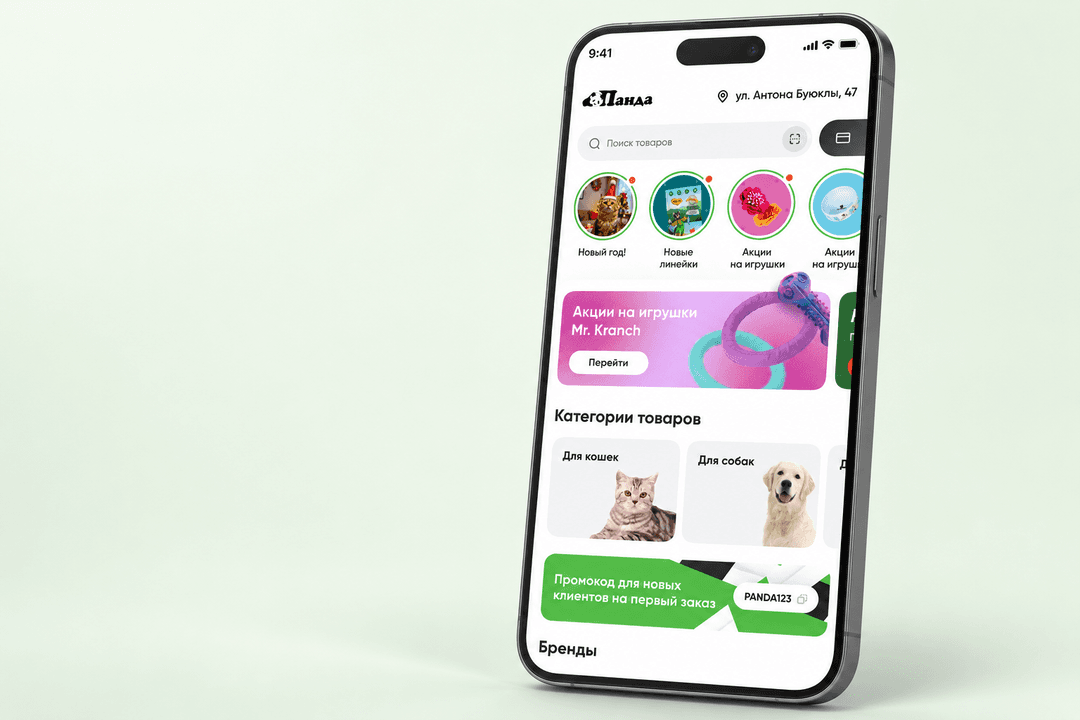
Panda lets a pet store sell through a mobile app and helps shoppers choose food by ingredients and price

The Entersight website helps store owners explore cloud inventory management and start a free trial